
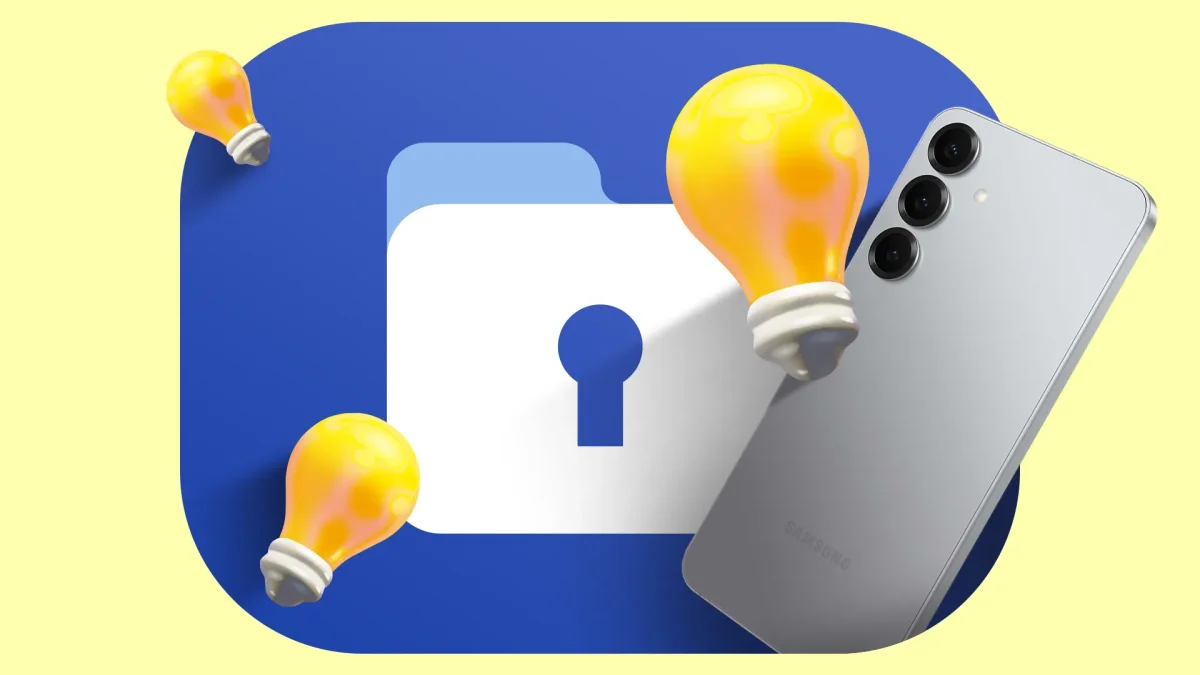

Samsung's Secure Folder Transforms Work-Life Balance for Busy Professionals

Samsung's Secure Folder Transforms Work-Life Balance for Busy Professionals

Over 60% of users report productivity loss due to work notifications at home. Samsung's Secure Folder offers a solution by isolating work apps, enhancing focus. Discover how this feature can transform your downtime.

NeboAI I summarize the news with data, figures and context
IN 30 SECONDS

IN 1 SENTENCE

SENTIMENT
Neutral

𒀭
NeboAI is working, please wait...
Preparing detailed analysis
Quick summary completed
Extracting data, figures and quotes...
Identifying key players and context
DETAILED ANALYSIS
SHARE

NeboAI produces automated editions of journalistic texts in the form of summaries and analyses. Its experimental results are based on artificial intelligence. As an AI edition, texts may occasionally contain errors, omissions, incorrect data relationships and other unforeseen inaccuracies. We recommend verifying the content.

Research indicates that interruptions from work-related notifications can significantly impact relaxation time, with studies showing it takes approximately 23 minutes to regain focus after being distracted. On a typical Sunday evening, an unexpected notification can shift an individual's mindset from leisure to work mode, creating a need for better boundaries.

To combat this issue, Samsung's Secure Folder offers a solution by isolating work applications within a separate, locked environment. This feature, built on the Samsung Knox security platform, prevents work apps from appearing in the main Android interface unless the folder is unlocked, effectively allowing users to disconnect from work.

In contrast, options like Do Not Disturb merely reduce sound without completely eliminating the visibility of work notifications, which can still intrude on personal time. Additionally, Android Enterprise Work Profiles can complicate matters further by requiring IT oversight, potentially infringing on user privacy and control.

For optimal separation, users are advised to refrain from duplicating work apps on their main screens and instead utilize the Secure Folder properly, ensuring that work remains distinct from personal activities.

Want to read the full article? Access the original article with all the details.
Read Original Article
TL;DR

This article is an original summary for informational purposes. Image credits and full coverage at the original source. · View Content Policy

Editorial
Editorial Staff

Our editorial team works around the clock to bring you the latest tech news, trends, and insights from the industry. We cover everything from artificial intelligence breakthroughs to startup funding rounds, gadget launches, and cybersecurity threats. Our mission is to keep you informed with accurate, timely, and relevant technology coverage.

Press Enter to search or ESC to close