
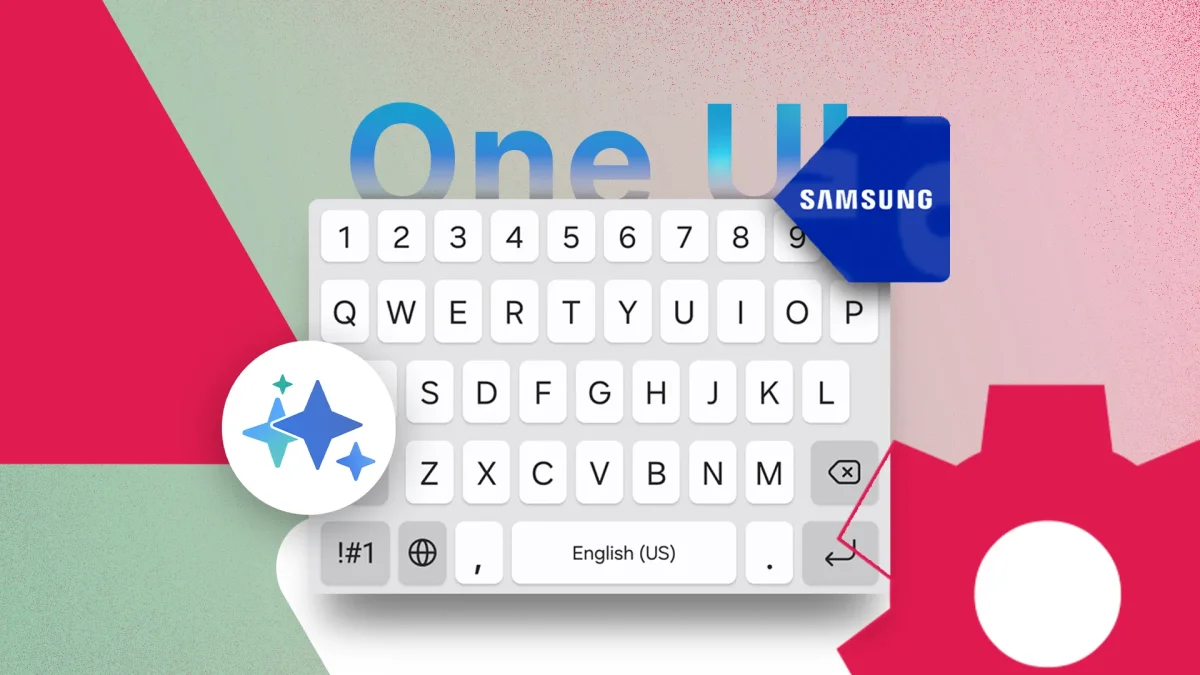

Samsung users can enhance typing experience in One UI 8 with simple adjustments

Samsung users can enhance typing experience in One UI 8 with simple adjustments

Samsung's keyboard upgrades now include real-time translation and AI tools, but optimal performance requires adjustments through the Good Lock ecosystem. Optimize your experience today!

NeboAI I summarize the news with data, figures and context
IN 30 SECONDS

IN 1 SENTENCE

SENTIMENT
Neutral

𒀭
NeboAI is working, please wait...
Preparing detailed analysis
Quick summary completed
Extracting data, figures and quotes...
Identifying key players and context
DETAILED ANALYSIS
SHARE

NeboAI produces automated editions of journalistic texts in the form of summaries and analyses. Its experimental results are based on artificial intelligence. As an AI edition, texts may occasionally contain errors, omissions, incorrect data relationships and other unforeseen inaccuracies. We recommend verifying the content.

Improvements to the Samsung keyboard in the latest One UI aim to enhance user experience by integrating advanced features such as real-time translation and generative AI. However, to unlock its full potential, users are advised to refine the factory settings and utilize the Good Lock ecosystem.

Among the features, the clipboard management system allows users to save screenshots directly to their clipboard, ensuring easy access to captured images. By navigating to the Samsung Keyboard settings and enabling the "Save screenshots to clipboard" option, users can keep screenshots available even when new items are copied.

Additionally, adjustments to the autocorrect function can reduce lag and improve typing efficiency. Users should consider turning off the Auto replace feature while keeping Predictive Text active, which allows helpful suggestions without intrusive corrections. For outdoor use, activating the High Contrast mode can enhance keyboard visibility in bright lighting conditions, particularly beneficial for devices with OLED screens.

These modifications aim to create a more streamlined and user-friendly typing experience, making the Samsung keyboard a competitive tool in mobile productivity.

Want to read the full article? Access the original article with all the details.
Read Original Article
TL;DR

This article is an original summary for informational purposes. Image credits and full coverage at the original source. · View Content Policy

Editorial
Editorial Staff

Our editorial team works around the clock to bring you the latest tech news, trends, and insights from the industry. We cover everything from artificial intelligence breakthroughs to startup funding rounds, gadget launches, and cybersecurity threats. Our mission is to keep you informed with accurate, timely, and relevant technology coverage.

Press Enter to search or ESC to close