
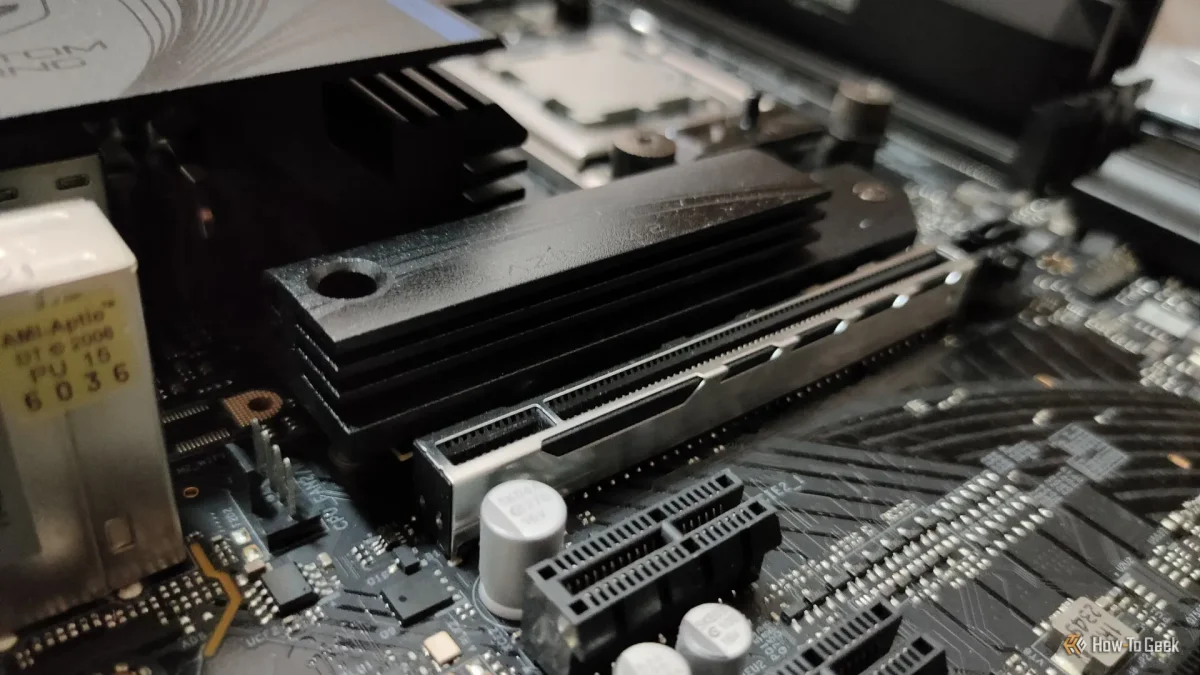

Overheating NVMe SSDs reveals surprising effectiveness of budget motherboard heatsinks

Overheating NVMe SSDs reveals surprising effectiveness of budget motherboard heatsinks

NVMe SSD prices have surged, with a 2TB PCIe Gen 4 model now costing three times its original price. Protecting these investments is crucial, especially against overheating risks.

NeboAI I summarize the news with data, figures and context
IN 30 SECONDS

IN 1 SENTENCE

SENTIMENT
Neutral

𒀭
NeboAI is working, please wait...
Preparing detailed analysis
Quick summary completed
Extracting data, figures and quotes...
Identifying key players and context
DETAILED ANALYSIS
SHARE

NeboAI produces automated editions of journalistic texts in the form of summaries and analyses. Its experimental results are based on artificial intelligence. As an AI edition, texts may occasionally contain errors, omissions, incorrect data relationships and other unforeseen inaccuracies. We recommend verifying the content.

The cost of NVMe SSDs has surged significantly, with a 2TB PCIe Gen 4 model now priced at three times its previous cost of $100. As these drives become increasingly expensive, protecting them from heat becomes crucial for their longevity. Modern NVMe SSDs, like the Samsung 9100 PRO, can achieve impressive speeds of up to 14.7GB/s for reading and 13.4GB/s for writing, generating substantial heat during operation.

To mitigate the risk of overheating, the installation of a heatsink is recommended. This metal component, often included with contemporary gaming motherboards, helps dissipate heat from the SSD's controller, which manages its operations. Without proper cooling, even entry-level NVMe SSDs may face premature failure due to overheating, leading to reduced performance and potential data loss.

For those looking to enhance cooling, products such as the ARCTIC M2 Pro are available for around $14. These heatsinks are designed for M.2 2280 SSDs and can assist in maintaining optimal performance under heavy workloads. Users can easily conduct stress tests using software like CrystalDiskMark to monitor their SSD temperatures and ensure adequate cooling measures are in place.

Want to read the full article? Access the original article with all the details.
Read Original Article
TL;DR

This article is an original summary for informational purposes. Image credits and full coverage at the original source. · View Content Policy

Editorial
Editorial Staff

Our editorial team works around the clock to bring you the latest tech news, trends, and insights from the industry. We cover everything from artificial intelligence breakthroughs to startup funding rounds, gadget launches, and cybersecurity threats. Our mission is to keep you informed with accurate, timely, and relevant technology coverage.

Press Enter to search or ESC to close