
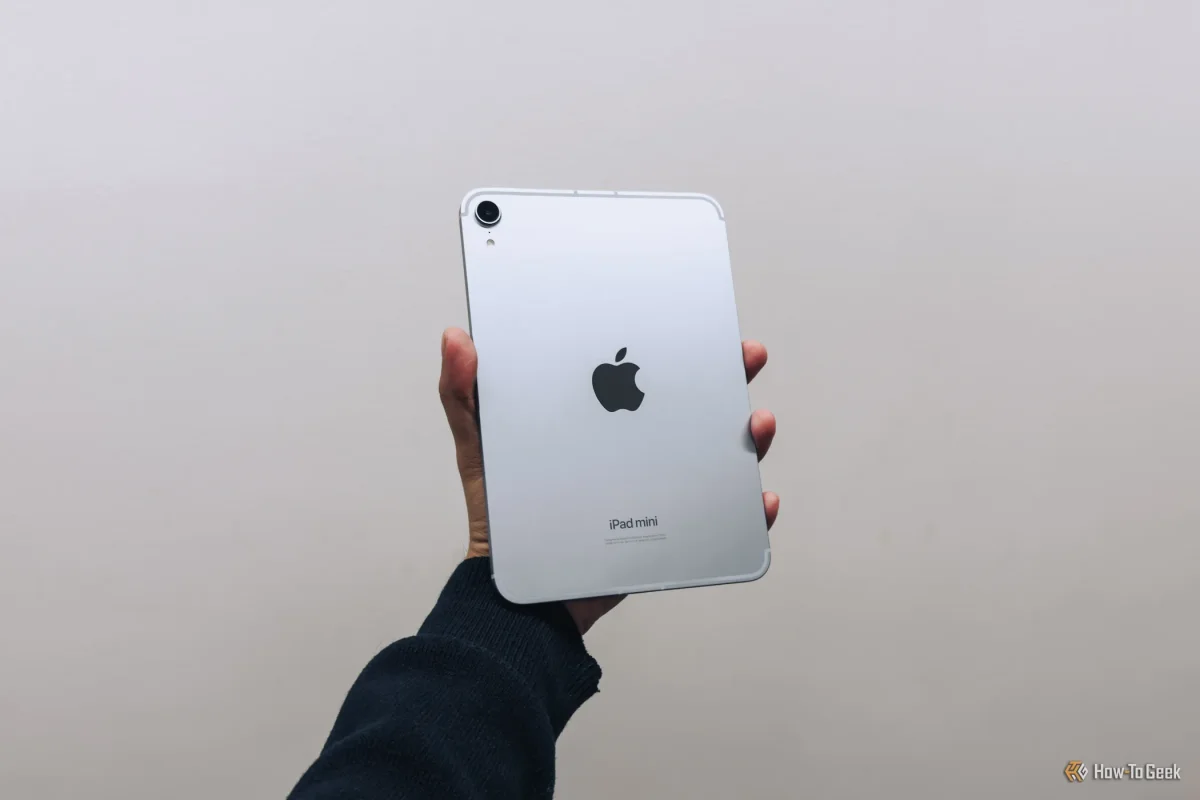

Maximize Your New iPad Experience: 10 Essential Tips to Get Started Today

Maximize Your New iPad Experience: 10 Essential Tips to Get Started Today

Setting up your new iPad can take just 20-30 minutes. Key steps include syncing data from previous devices and checking for software updates to maximize performance. Discover essential setup tips for optimal use.

NeboAI I summarize the news with data, figures and context
IN 30 SECONDS

IN 1 SENTENCE

SENTIMENT
Neutral

𒀭
NeboAI is working, please wait...
Preparing detailed analysis
Quick summary completed
Extracting data, figures and quotes...
Identifying key players and context
DETAILED ANALYSIS
SHARE

NeboAI produces automated editions of journalistic texts in the form of summaries and analyses. Its experimental results are based on artificial intelligence. As an AI edition, texts may occasionally contain errors, omissions, incorrect data relationships and other unforeseen inaccuracies. We recommend verifying the content.

To optimize your experience with a new iPad, start by restoring or syncing data from previous devices. This can be accomplished through the Quick Start feature, which allows direct data transfer from an old iPad or downloads from iCloud. Alternatively, users can sync data using a wired connection to a computer or older device, with the entire process typically taking between 20 to 30 minutes, depending on backup size.

After data restoration, it's crucial to ensure the device runs the latest version of iPadOS. Check for software updates by navigating to Settings > General > Software Update. Installing the latest updates guarantees access to improved features, security enhancements, and bug fixes.

Next, pairing your Apple Pencil is essential for maximizing functionality. Depending on the model, Apple Pencil (1st generation) connects via the Lightning port or USB-C, while the Apple Pencil (2nd generation) attaches magnetically to the iPad's side. Proper pairing methods are necessary for optimal use.

Want to read the full article? Access the original article with all the details.
Read Original Article
TL;DR

This article is an original summary for informational purposes. Image credits and full coverage at the original source. · View Content Policy

Editorial
Editorial Staff

Our editorial team works around the clock to bring you the latest tech news, trends, and insights from the industry. We cover everything from artificial intelligence breakthroughs to startup funding rounds, gadget launches, and cybersecurity threats. Our mission is to keep you informed with accurate, timely, and relevant technology coverage.

Press Enter to search or ESC to close