
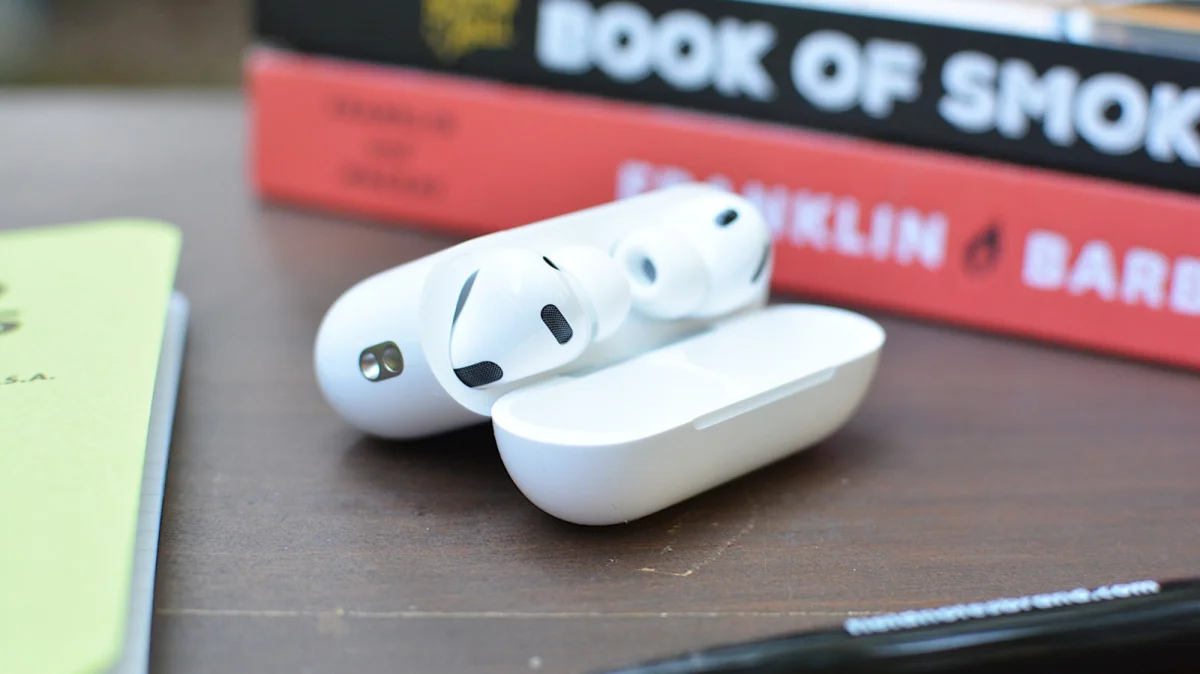

Maximize your iPhone photography: Tips for controlling camera with AirPods

Maximize your iPhone photography: Tips for controlling camera with AirPods

iPhone users with AirPods Pro 3, Pro 2, 4, or Max 2 can now remotely capture photos via the Camera Remote feature, enhancing convenience for selfie-taking.

NeboAI I summarize the news with data, figures and context
IN 30 SECONDS

IN 1 SENTENCE

SENTIMENT
Neutral

𒀭
NeboAI is working, please wait...
Preparing detailed analysis
Quick summary completed
Extracting data, figures and quotes...
Identifying key players and context
DETAILED ANALYSIS
SHARE

NeboAI produces automated editions of journalistic texts in the form of summaries and analyses. Its experimental results are based on artificial intelligence. As an AI edition, texts may occasionally contain errors, omissions, incorrect data relationships and other unforeseen inaccuracies. We recommend verifying the content.

Apple's recent update to iOS, version 26.5.1, introduced a feature that allows users to control their iPhone camera using compatible AirPods. This functionality, named Camera Remote, was launched on June 1, 2026, and is intended for those without an Apple Watch. By utilizing their AirPods, users can avoid the inconvenience of setting timers for selfies.

To utilize this feature, users need an iPhone running the latest iOS and a pair of compatible AirPods, such as AirPods Pro 3 or AirPods Max 2. It's important to note that older AirPods models do not support this function. Users must first pair their AirPods with their iPhone, then enable Camera Remote through the Settings app by navigating to the AirPods section and selecting their preferred control option.

With Camera Remote activated, users can take photos or start video recordings directly through their AirPods by pressing the appropriate controls. However, both AirPods must be worn for the feature to work, and enabling this setting will disable other functionalities like Siri access while the Camera app is open.

Want to read the full article? Access the original article with all the details.
Read Original Article
TL;DR

This article is an original summary for informational purposes. Image credits and full coverage at the original source. · View Content Policy

Editorial
Editorial Staff

Our editorial team works around the clock to bring you the latest tech news, trends, and insights from the industry. We cover everything from artificial intelligence breakthroughs to startup funding rounds, gadget launches, and cybersecurity threats. Our mission is to keep you informed with accurate, timely, and relevant technology coverage.

Press Enter to search or ESC to close