
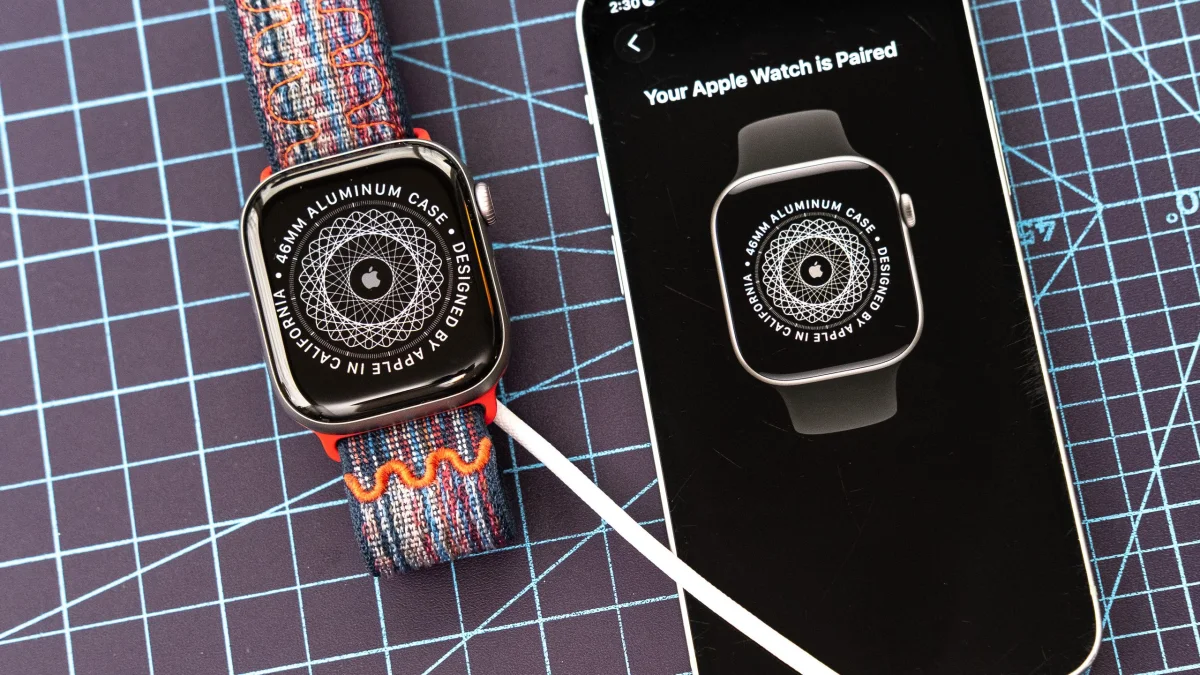

Setting up a new Apple Watch can be accomplished in about 30 minutes. Users should ensure their iPhone is updated before beginning the pairing process. To check for updates, navigate to Settings, then General, followed by Software Update on the iPhone.
Once the phone is ready, start by unboxing the Apple Watch, attaching the strap, and placing it on a charger. Power on the device by pressing and holding the side button if it does not turn on automatically. Afterward, users will need to select their language and region from the options presented.
Next, bring the iPhone near the Apple Watch and launch the Apple Watch app. A pairing pop-up should appear; tap 'continue' to pair. If the pop-up does not show, access the app and select 'All watches,' then tap 'Add watch' to manually initiate the pairing.
For detailed instructions on the setup process, users can refer to illustrated guides available online.