
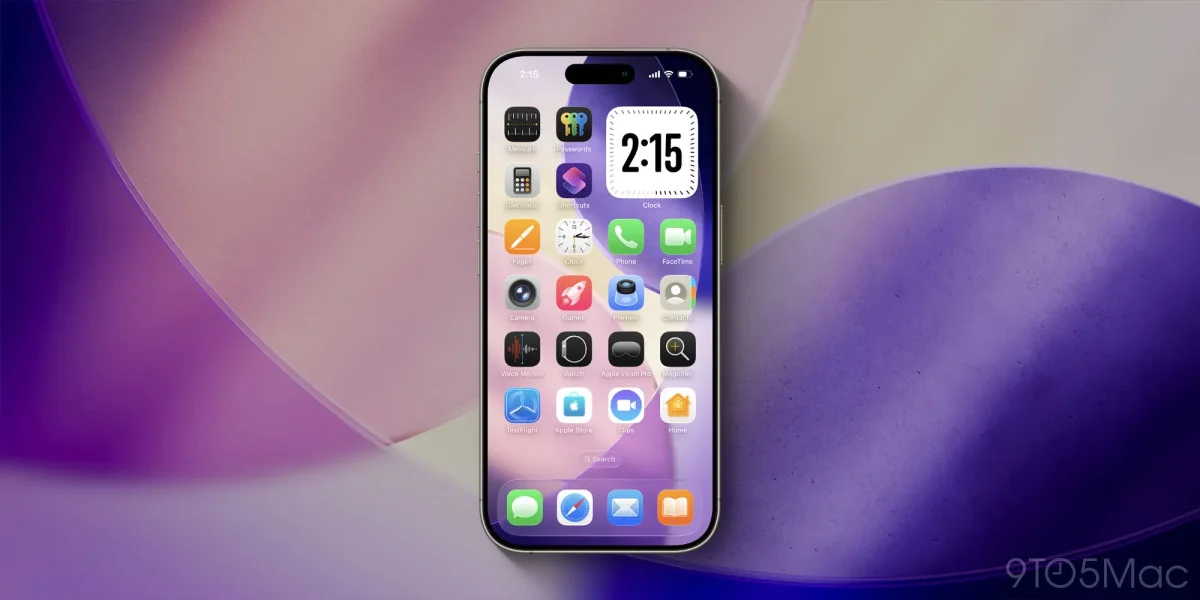

Apple has introduced new customization features for iPhone users in its latest operating system, iOS 26. This update includes enhanced options for tinting app icons on the Home Screen to match the color of the device or its case, a feature that aims to provide a cohesive aesthetic.
Previously, iOS 18 allowed users to modify app icons, but the new tinting options in iOS 26 expand this capability with two new settings: one that aligns with the iPhone's color and another that corresponds with the color of its case. Users can achieve this by simply long-pressing on the Home Screen, selecting 'Edit', and then 'Customize' to access the tinted options.
While the feature is designed for convenience, it only works with certain cases, predominantly Apple's official MagSafe cases, although some third-party cases may also be compatible. This customization allows users to quickly adapt their Home Screen aesthetics to match their outfits, enhancing personalization.