

Gboard's Hidden Feature Transforms Android Typing, Easing Users' Anxiety

Gboard's Hidden Feature Transforms Android Typing, Easing Users' Anxiety

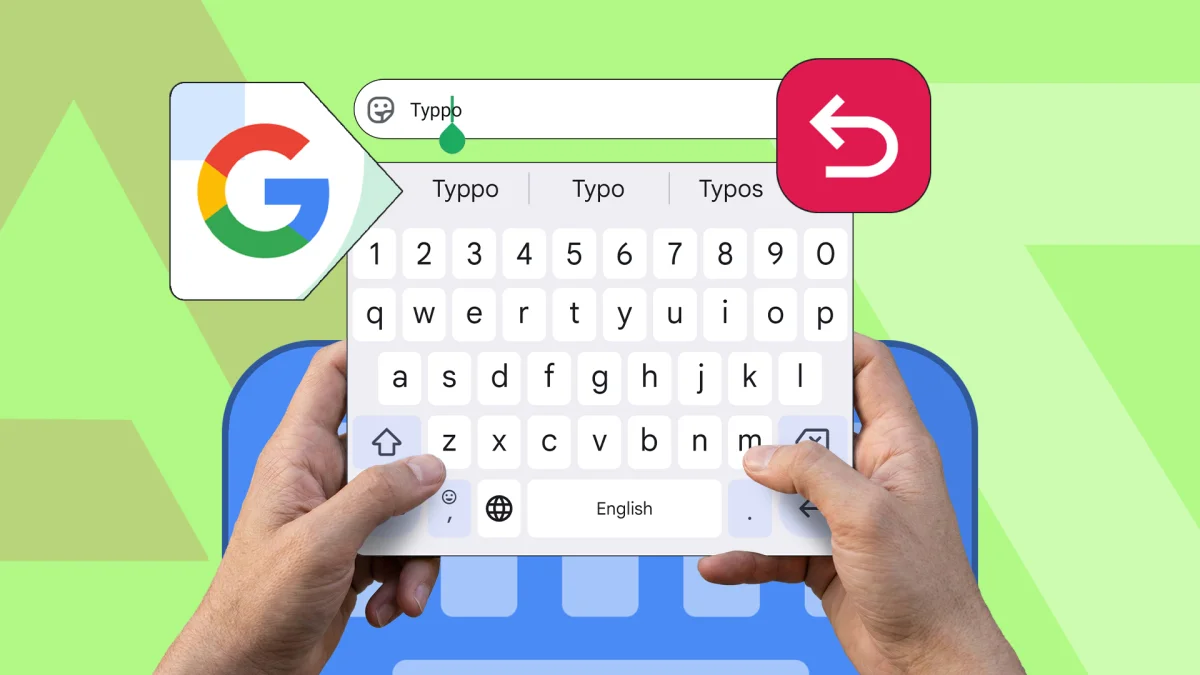
Gboard's new Undo button, launched this year, addresses common typing fears by allowing users to recover accidental deletions, enhancing mobile writing efficiency.

NeboAI I summarize the news with data, figures and context
IN 30 SECONDS

IN 1 SENTENCE

SENTIMENT
Neutral

𒀭
NeboAI is working, please wait...
Preparing detailed analysis
Quick summary completed
Extracting data, figures and quotes...
Identifying key players and context
DETAILED ANALYSIS
SHARE

NeboAI produces automated editions of journalistic texts in the form of summaries and analyses. Its experimental results are based on artificial intelligence. As an AI edition, texts may occasionally contain errors, omissions, incorrect data relationships and other unforeseen inaccuracies. We recommend verifying the content.

Typing on a virtual keyboard often presents challenges for many users, especially those in professional settings. A notable advancement in this area is the introduction of the Undo button in the Gboard app, which has been positively received by some users for its ability to mitigate typing errors. This feature was launched earlier this year and can be easily accessed through Gboard's menu button while composing messages.

For individuals who frequently write on their phones, the fear of accidental deletions can be a major deterrent. One user recalls losing an entire paragraph while using a Samsung Galaxy S21, leading to a decision to abandon mobile typing for article writing. Unlike typing on a laptop, where the Ctrl+Z shortcut can quickly restore deleted text, mobile devices often lack such straightforward solutions.

Despite the inherent limitations of virtual keyboards, Gboard remains a preferred choice for some due to its user-friendly features, even if it doesn't completely replace the functionality of physical keyboards. Users appreciate the slight edge it offers over other keyboard applications, contributing to a more efficient typing experience on mobile devices.

Want to read the full article? Access the original article with all the details.
Read Original Article
TL;DR

This article is an original summary for informational purposes. Image credits and full coverage at the original source. · View Content Policy

Editorial
Editorial Staff

Our editorial team works around the clock to bring you the latest tech news, trends, and insights from the industry. We cover everything from artificial intelligence breakthroughs to startup funding rounds, gadget launches, and cybersecurity threats. Our mission is to keep you informed with accurate, timely, and relevant technology coverage.

Press Enter to search or ESC to close