
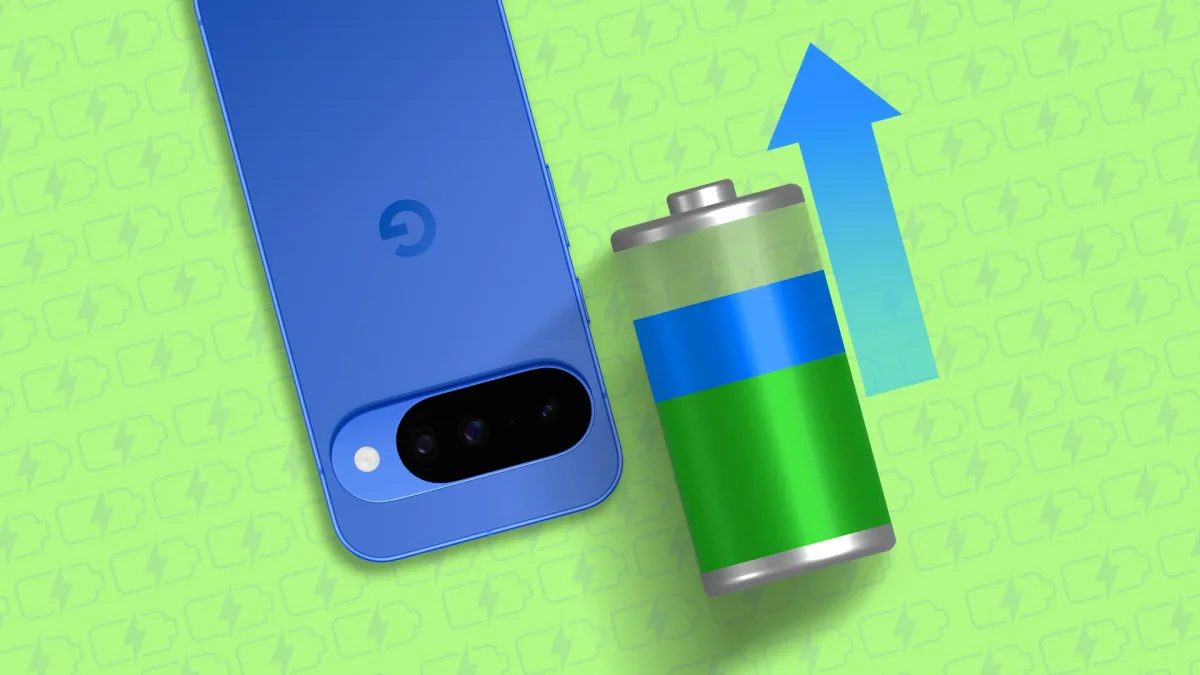

Disabling Hidden Android Scanning Features Boosts Battery Life by Nearly 100%

Disabling Hidden Android Scanning Features Boosts Battery Life by Nearly 100%

In 2026, smartphone users face battery drain issues, with scanning settings for Wi-Fi and Bluetooth cited as major culprits. Disabling these can nearly double battery life.

NeboAI I summarize the news with data, figures and context
IN 30 SECONDS

IN 1 SENTENCE

SENTIMENT
Neutral

𒀭
NeboAI is working, please wait...
Preparing detailed analysis
Quick summary completed
Extracting data, figures and quotes...
Identifying key players and context
DETAILED ANALYSIS
SHARE

NeboAI produces automated editions of journalistic texts in the form of summaries and analyses. Its experimental results are based on artificial intelligence. As an AI edition, texts may occasionally contain errors, omissions, incorrect data relationships and other unforeseen inaccuracies. We recommend verifying the content.

In 2026, many smartphone users are struggling with battery longevity, often facing a choice between preferred settings and device performance. A significant factor contributing to battery drain lies in the automatic scanning features of Wi-Fi and Bluetooth, which can consume substantial power without adding much benefit.

Turning off these scanning settings can lead to a remarkable improvement in battery life. Users have reported that by disabling these features, they have seen nearly double the battery duration, especially while on the move. This adjustment allows devices to conserve energy by not searching for networks when already connected, thus avoiding the need to rely on Battery Saver mode.

Understanding which settings to adjust is crucial for maximizing smartphone usability. While Wi-Fi and Bluetooth connections are essential, the automatic scanning options often do more harm than good in terms of battery consumption. By making these changes, users can enhance their overall smartphone experience without sacrificing connectivity.

Want to read the full article? Access the original article with all the details.
Read Original Article
TL;DR

This article is an original summary for informational purposes. Image credits and full coverage at the original source. · View Content Policy

Editorial
Editorial Staff

Our editorial team works around the clock to bring you the latest tech news, trends, and insights from the industry. We cover everything from artificial intelligence breakthroughs to startup funding rounds, gadget launches, and cybersecurity threats. Our mission is to keep you informed with accurate, timely, and relevant technology coverage.

Press Enter to search or ESC to close